
1
Start the car
Start video
Press the brake and start button. The dashboard will show READY when the car is on.
Master Rental help guide
Step-by-step guides, videos and practical tips for a smooth and worry-free experience in Curaçao.
Jump directly to the guide for the vehicle you are using.
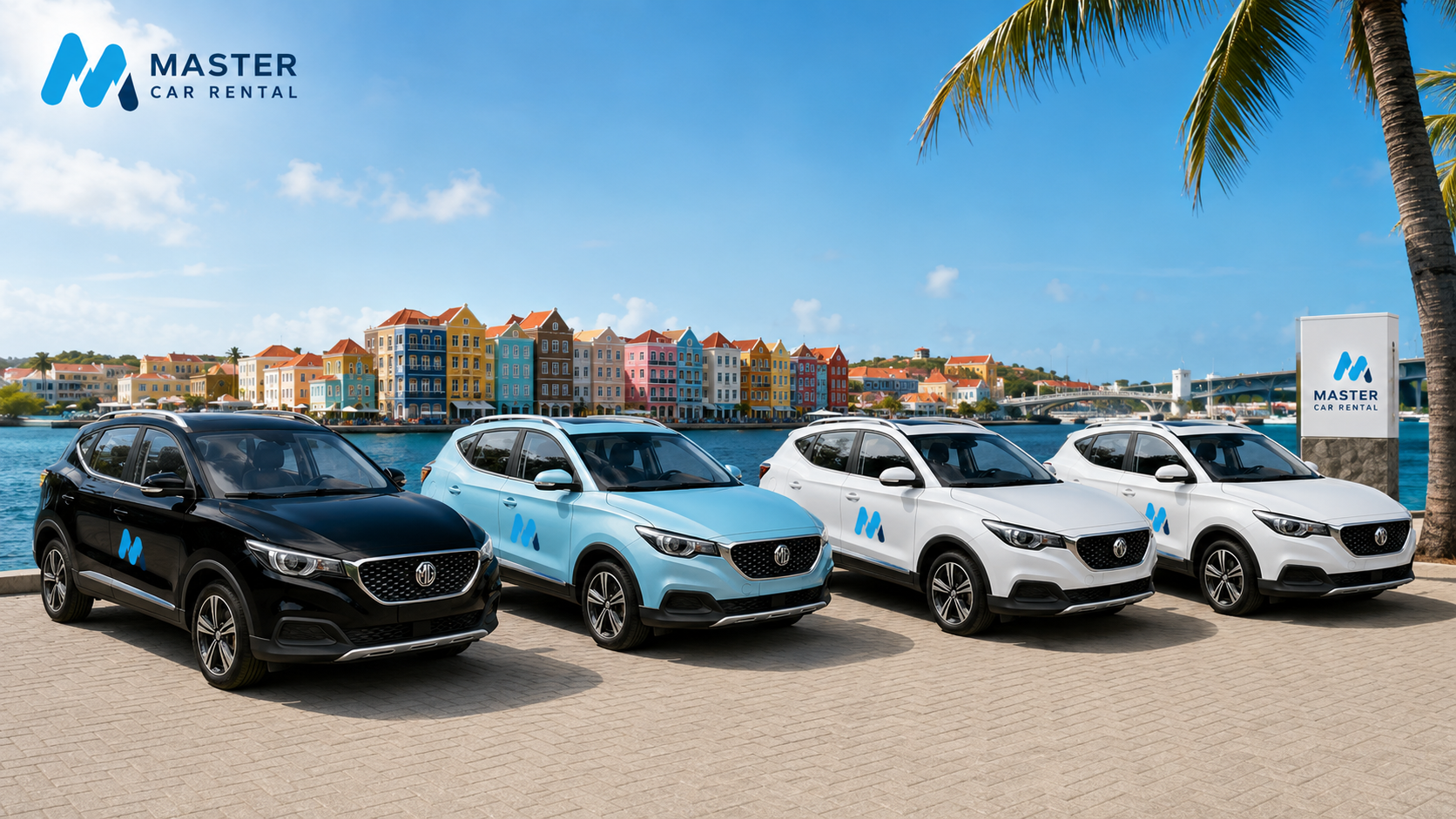
Use this guide for the MG ZS EV 2020 model, including how to open the front charging bay and start charging with the Dynaf token.
Press the brake and start button. The dashboard will show READY when the car is on.
The charging port is behind the MG badge at the front. Press the cover gently to open it.
Connect the charging cable firmly into the port. Make sure it is fully inserted.
Tap your Dynaf charging token on the reader of the charging station.
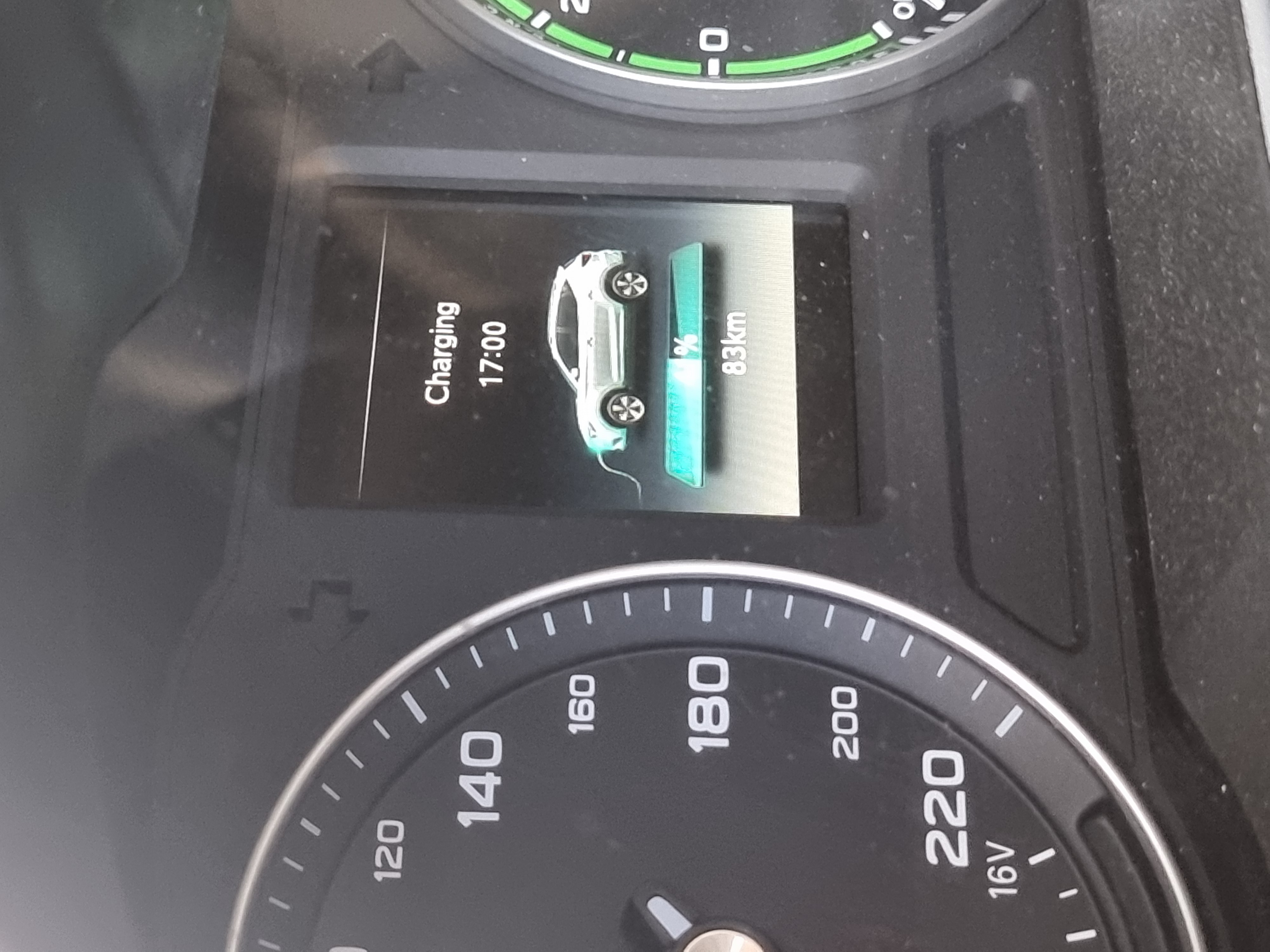
Check the charging station screen and vehicle dashboard to confirm charging is active.
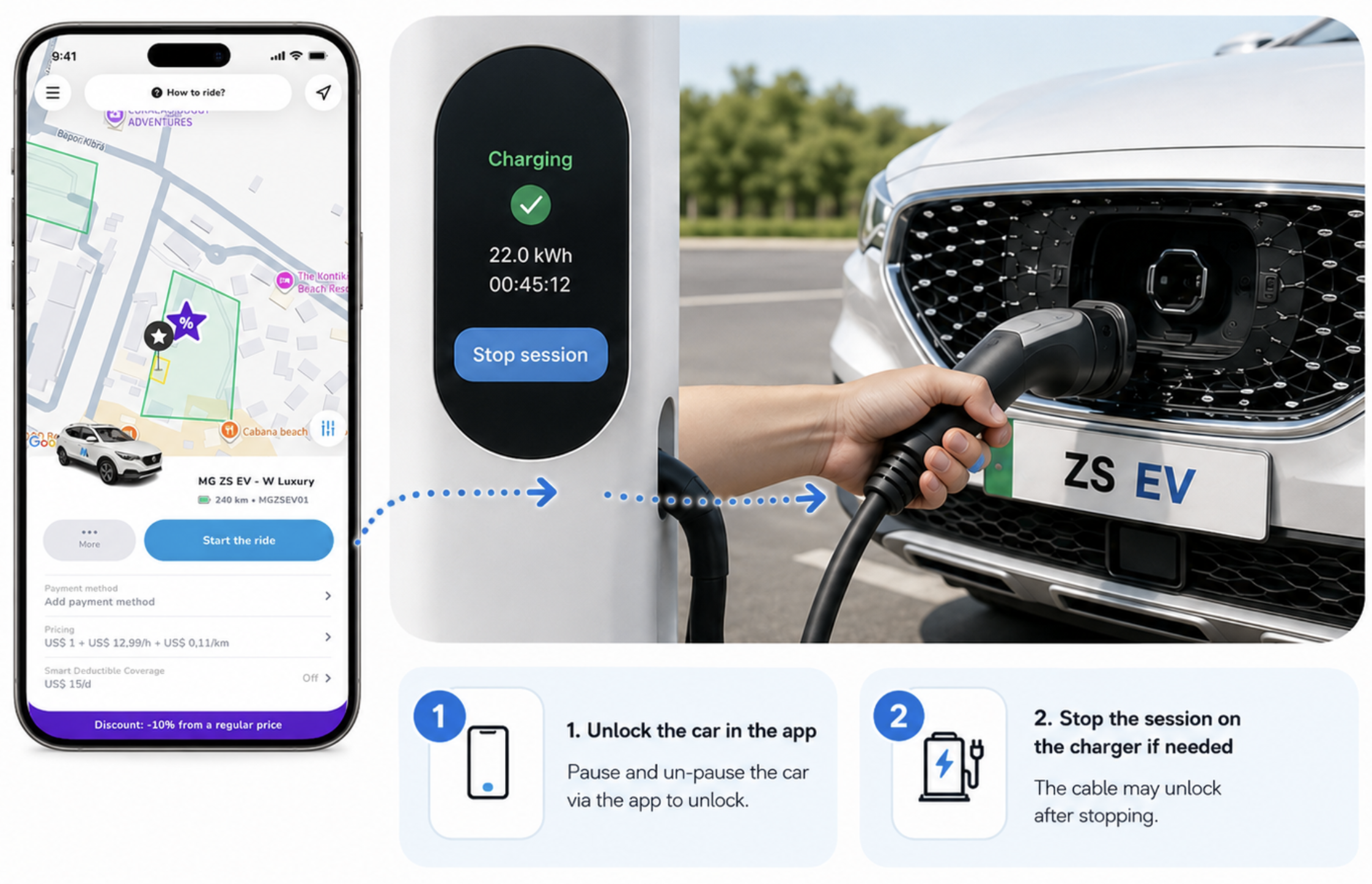
Stop the session on the station if required by unlocking the car. Pause and Un-pause the car via the app to unlock. The cable may unlock after stopping.
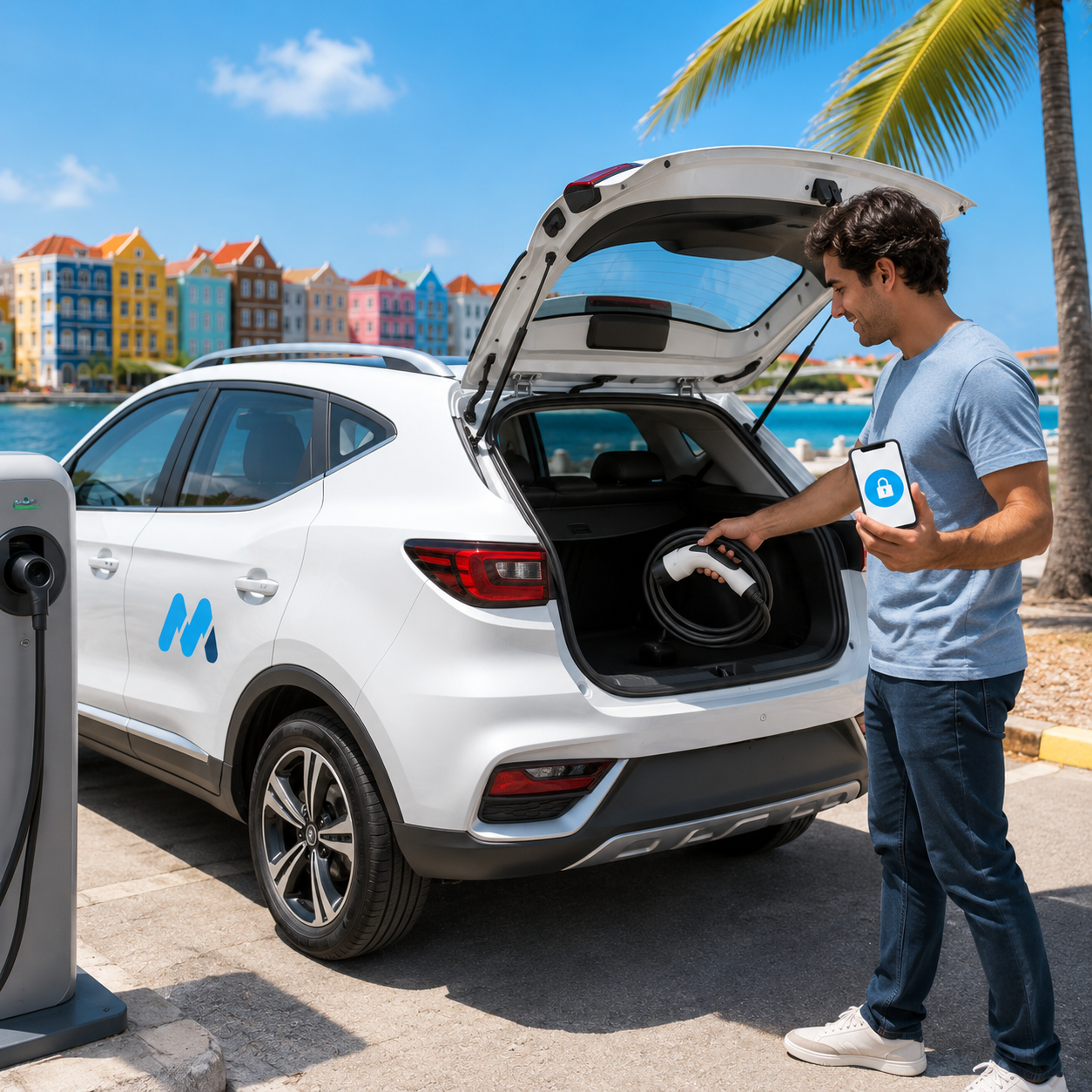
Remove the cable, close the charging cover carefully and make sure you are ready to go.
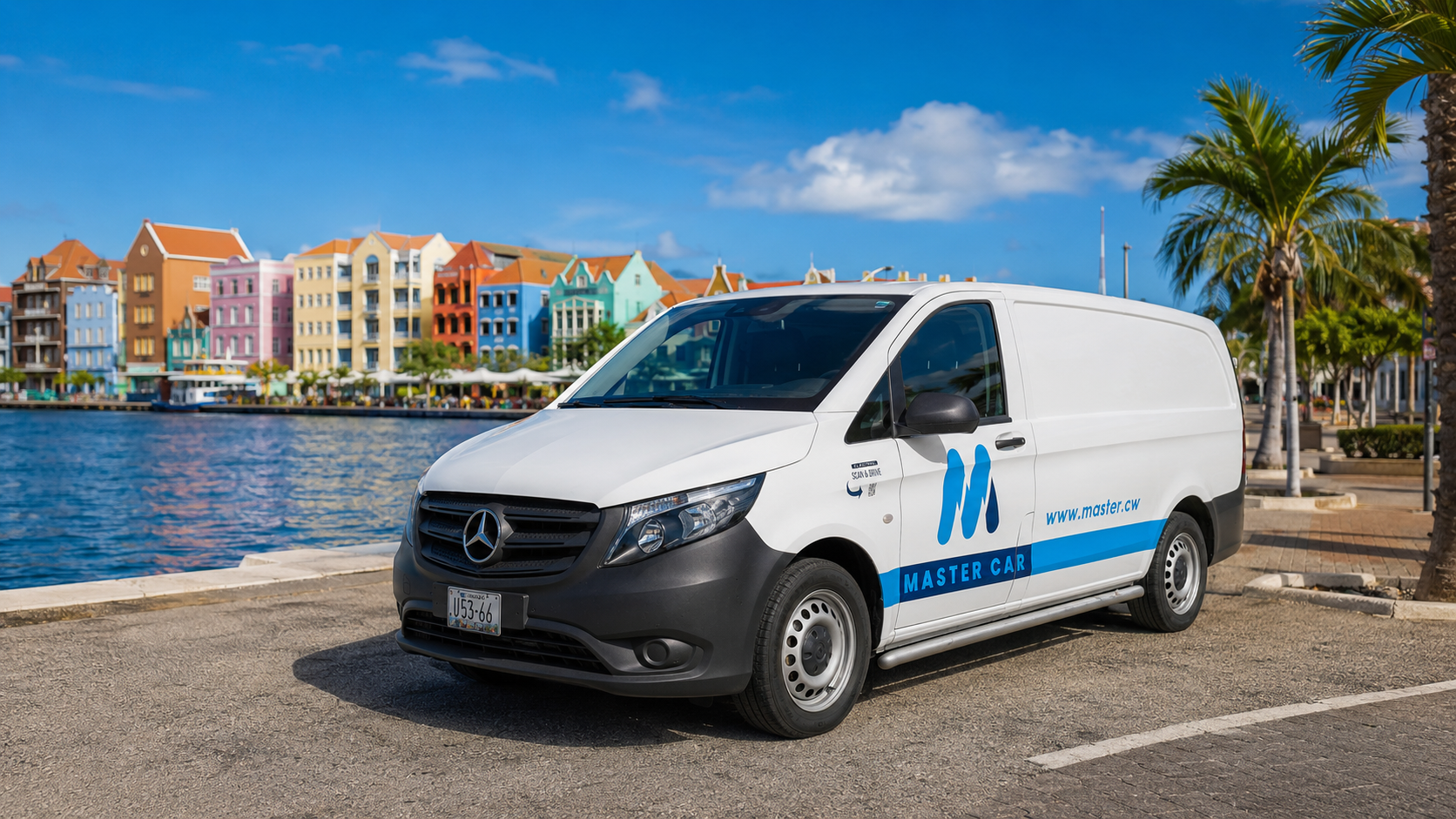
Use this guide for starting, driving and charging the Mercedes-Benz eVito. Plan your route carefully because the range is more limited than the MG ZS EV.
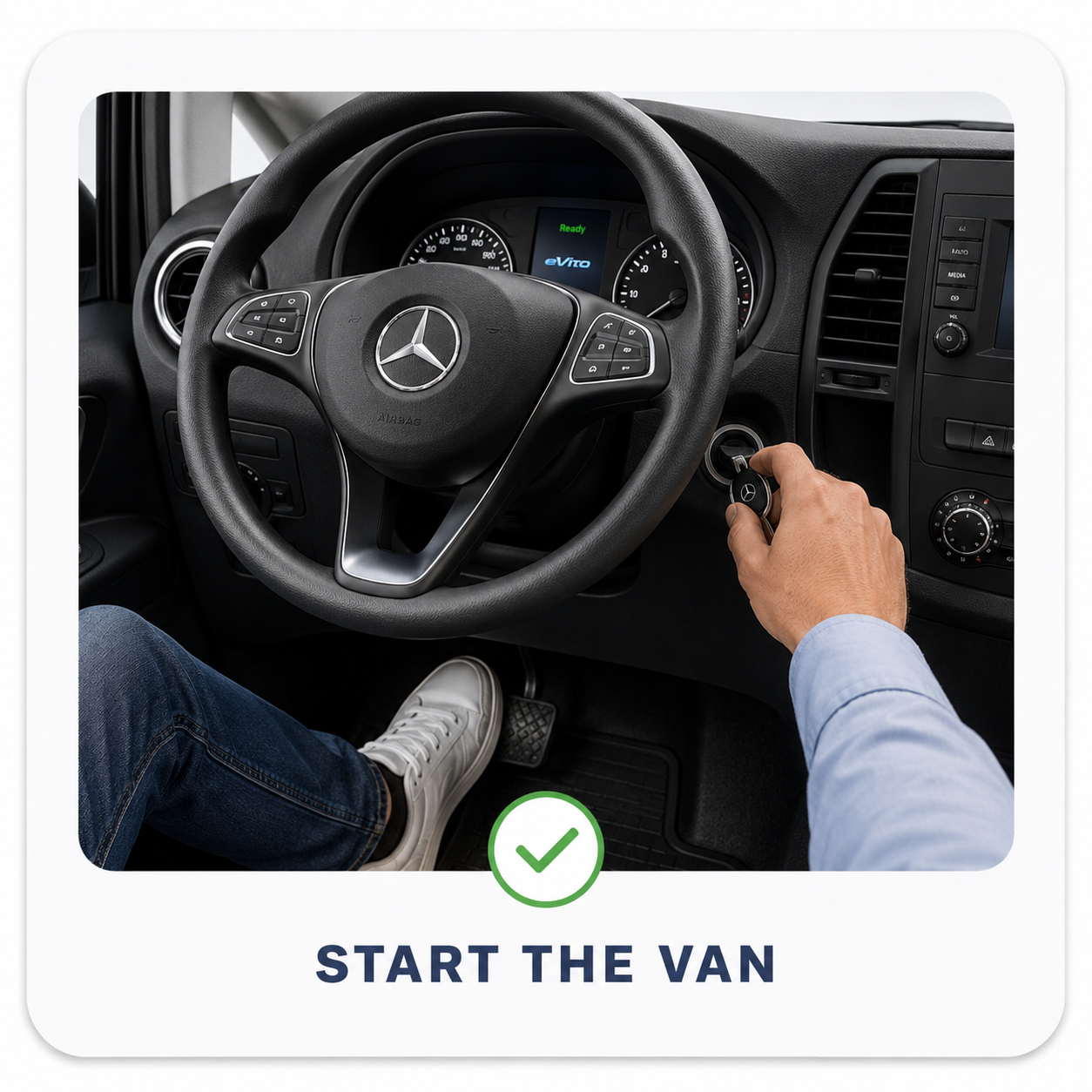
Press the brake and use the key to start the van.
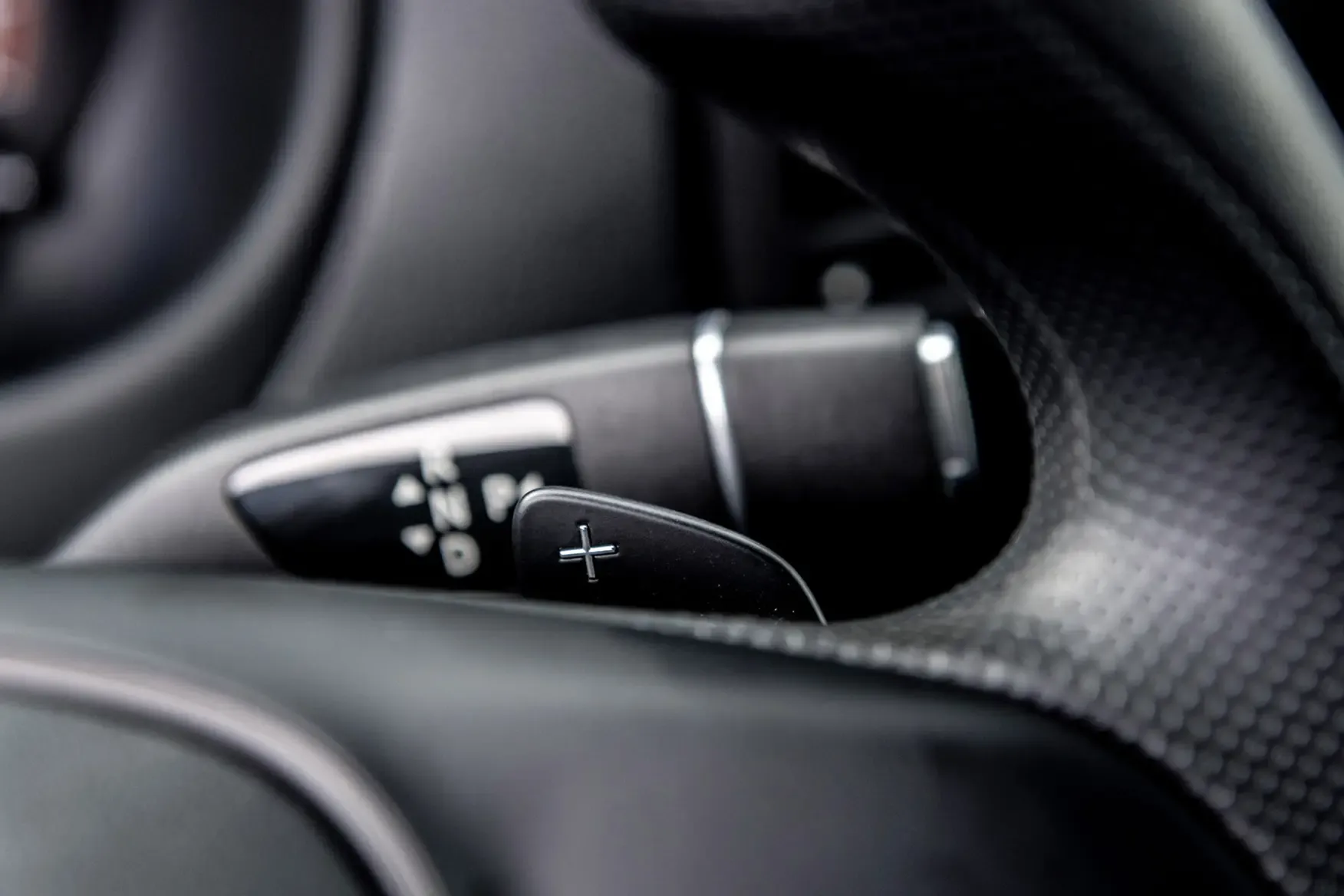
Use D for drive, R for reverse and P when parked. Drive calmly to preserve range.
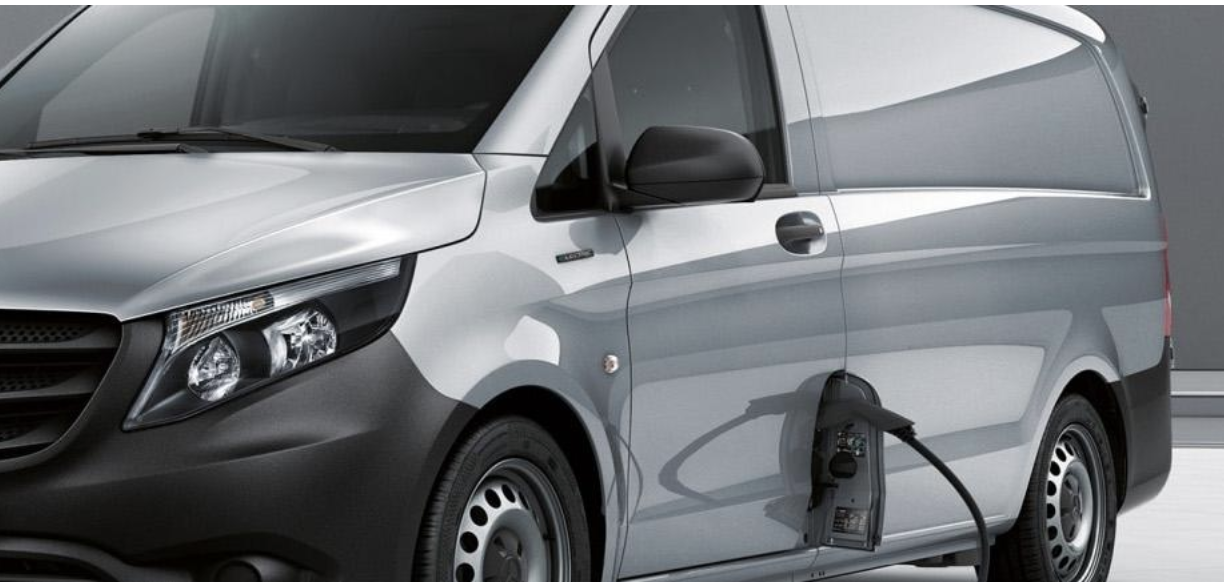
The charging port is on the front-left side of the vehicle. Park close enough for the cable to reach.
Connect the cable firmly into the charging port until it is fully seated.
Tap the Dynaf token on the charging station reader to start the session.
Confirm on the station and dashboard that charging is active before leaving the vehicle.
Stop the charging session, unlock if needed and remove the cable before driving away.
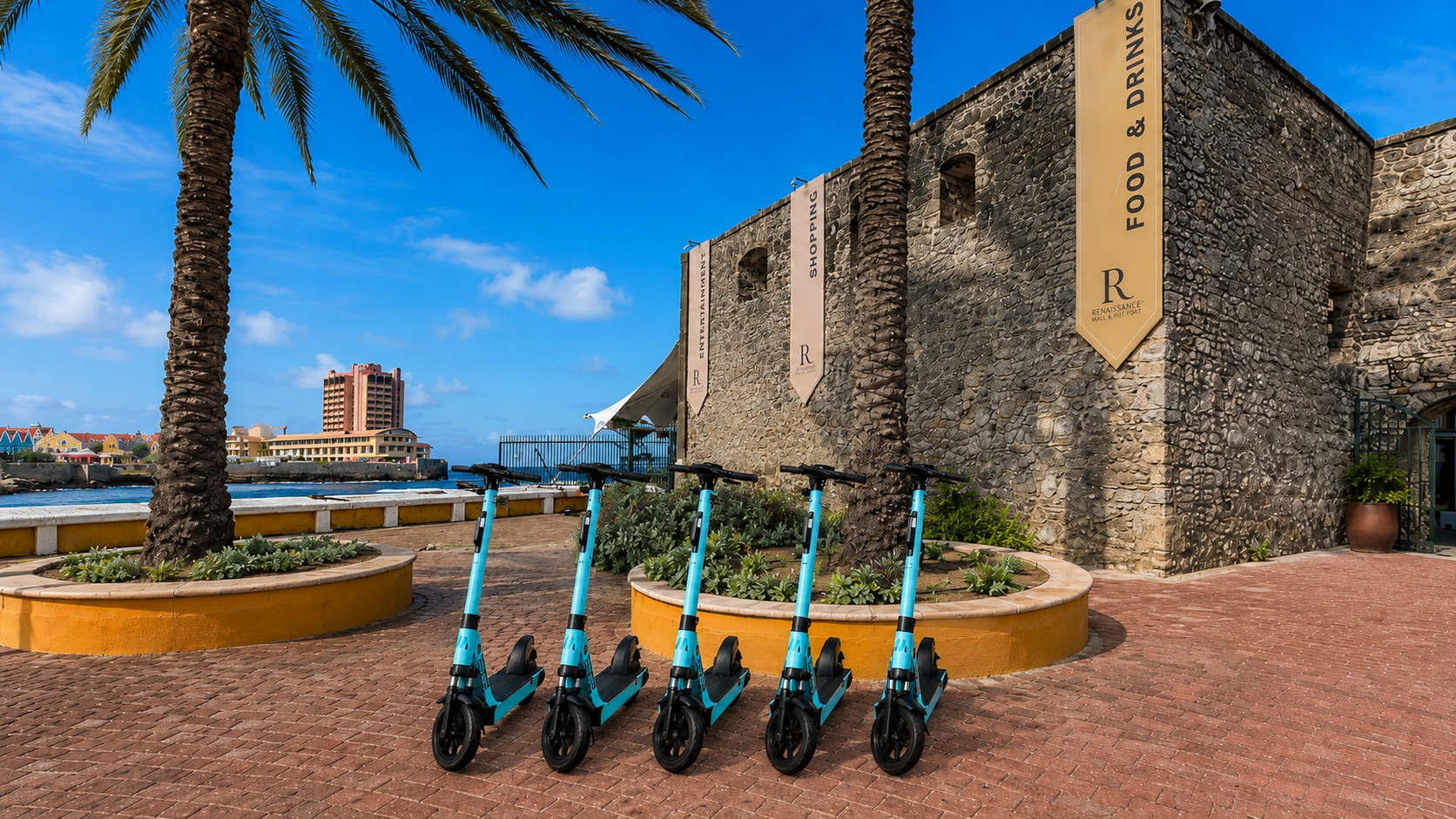
Follow these simple steps to unlock, ride, park and end your electric step ride safely through the Master Rental app.
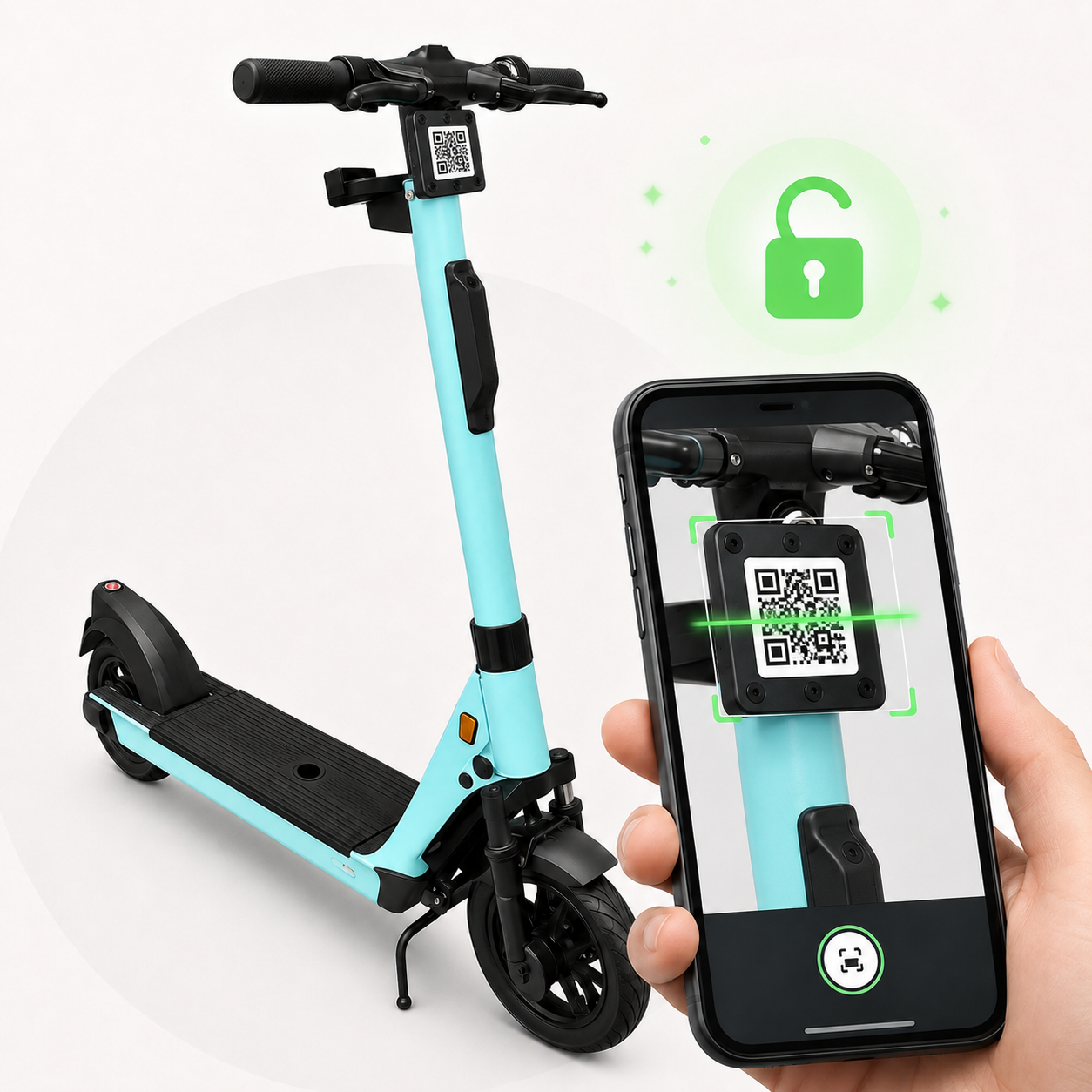
Open the Master Rental app and scan the QR code on the step to unlock it.
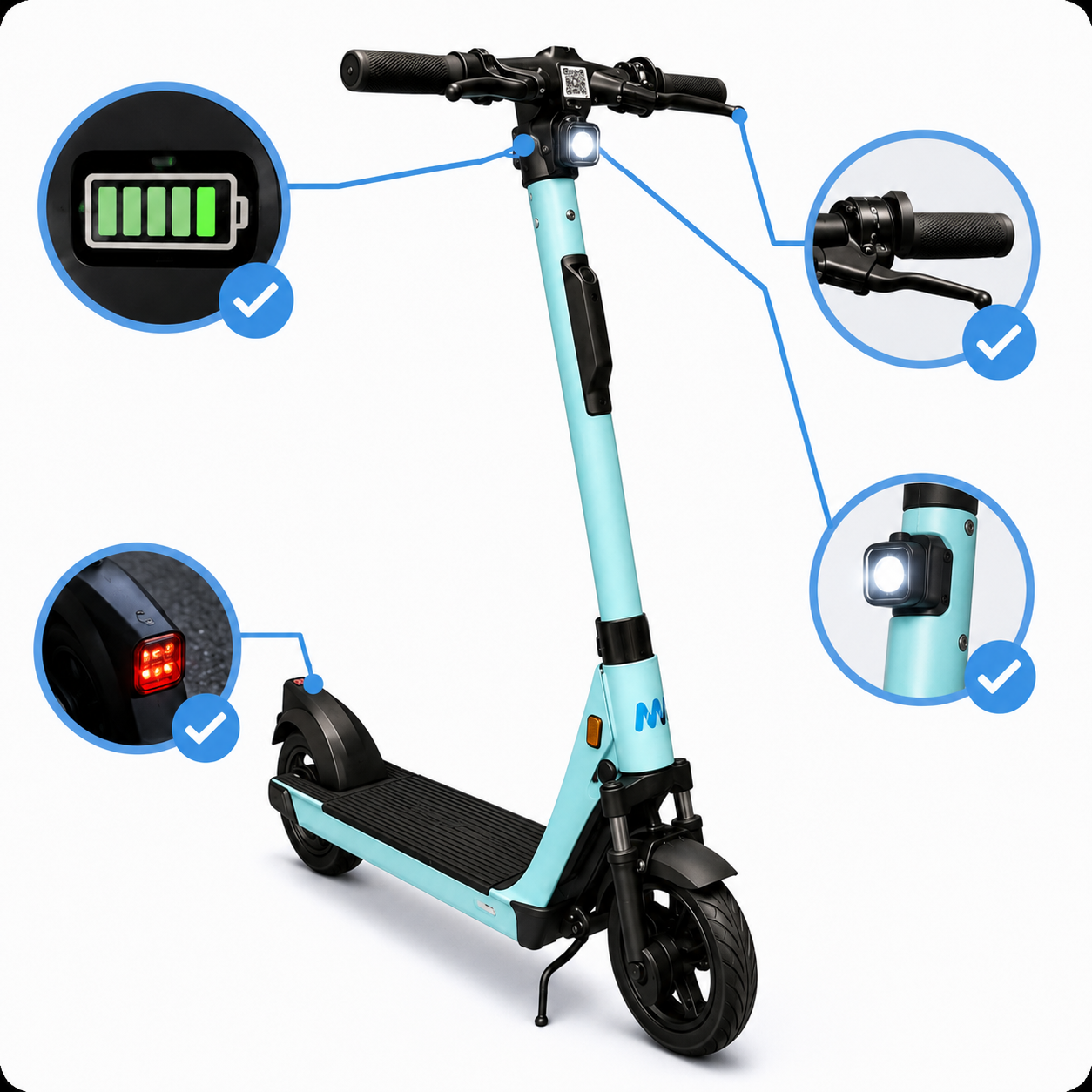
Check the battery level, brakes and lights before you start your ride.
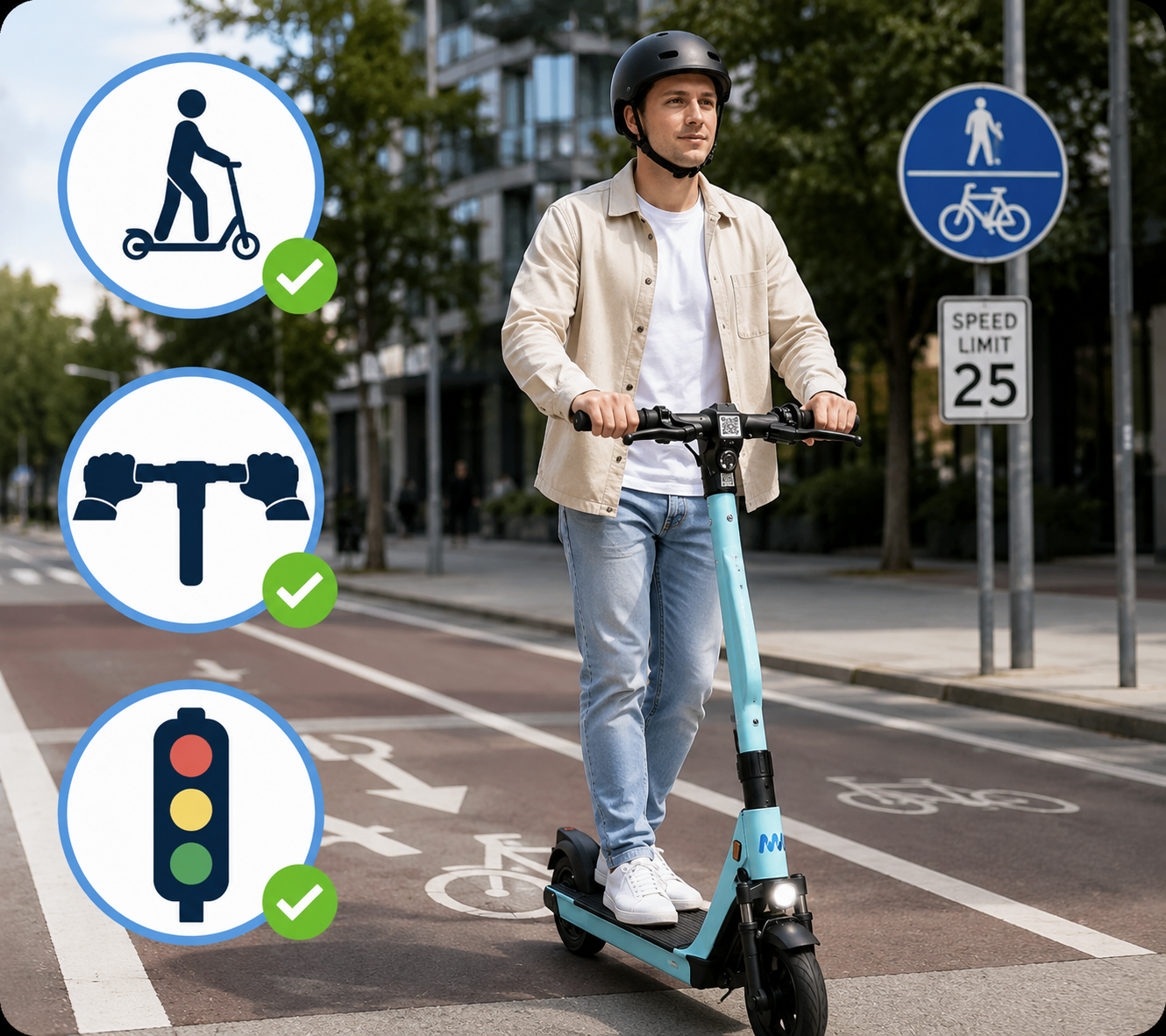
Ride where allowed, keep both hands on the handlebar and follow local traffic rules.
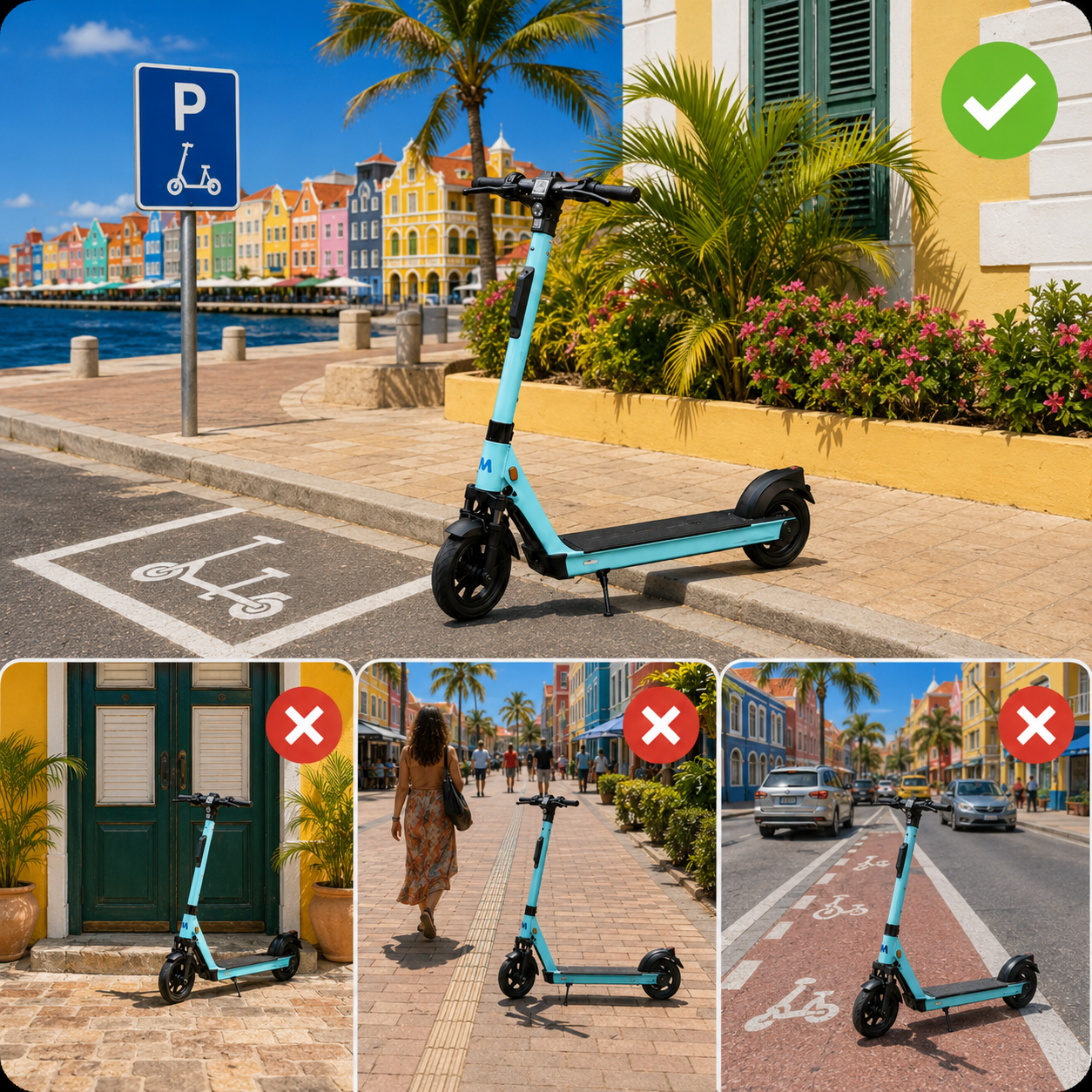
Park in allowed areas and make sure you do not block entrances, roads or walkways.
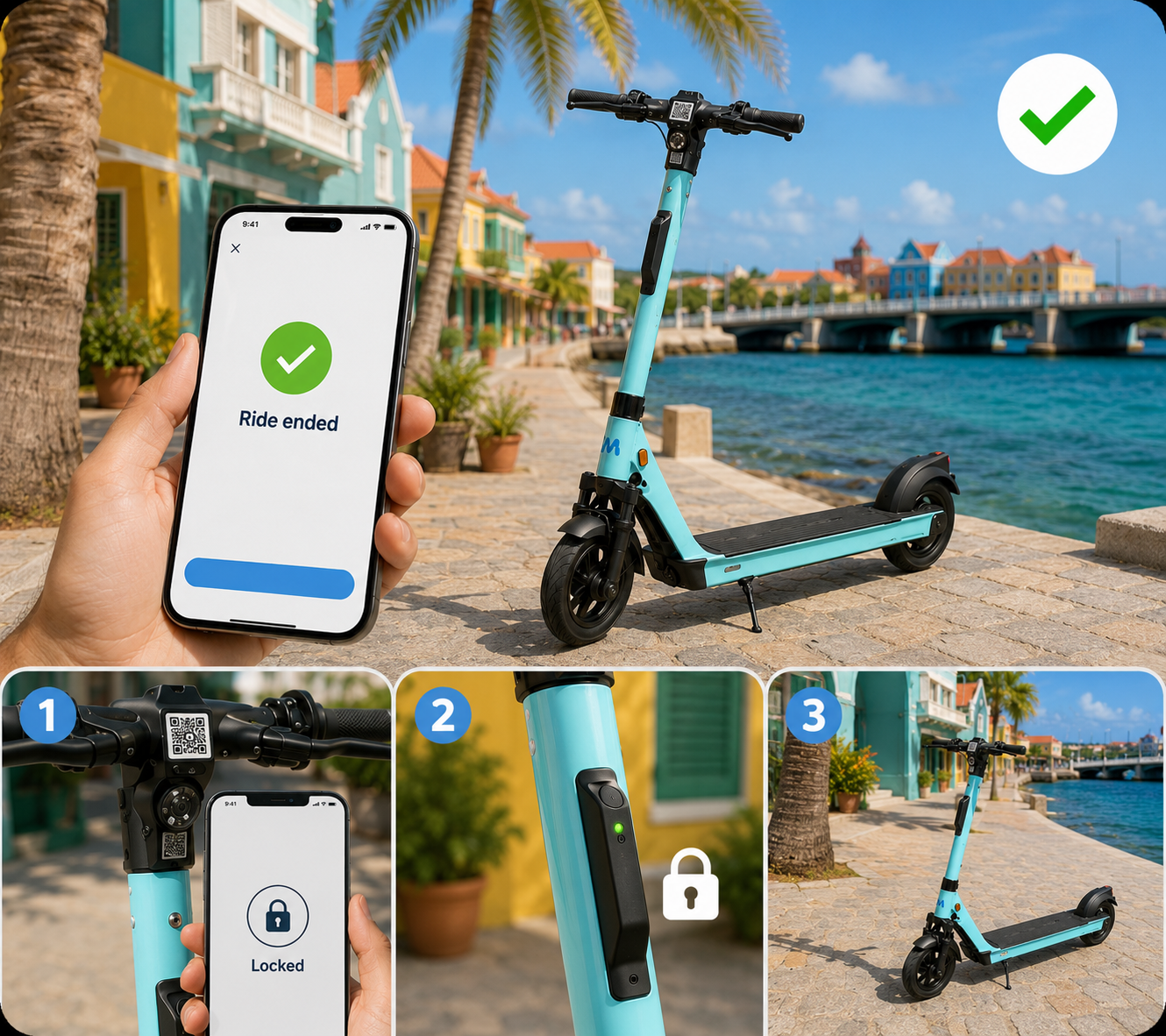
End the ride in the app and make sure the step is locked before you leave.
Support
Quick answers for the situations customers most often experience while starting, charging or ending a ride.
Unlock the car in the app or with the vehicle unlock button. The cable may stay locked while the vehicle is locked.
Check that the cable is fully inserted and tap the Dynaf token again. If it still does not work, contact support.
Do not use force. Contact Master Rental support before continuing.
Make sure you use the correct Dynaf token and tap it on the station reader. Try again or contact support.
Press the brake firmly and press the start button again. If the issue continues, contact support.
Our support team is here for you. Send us a photo or short video of the issue so we can help quickly.